
Every part of an item, put right by hand
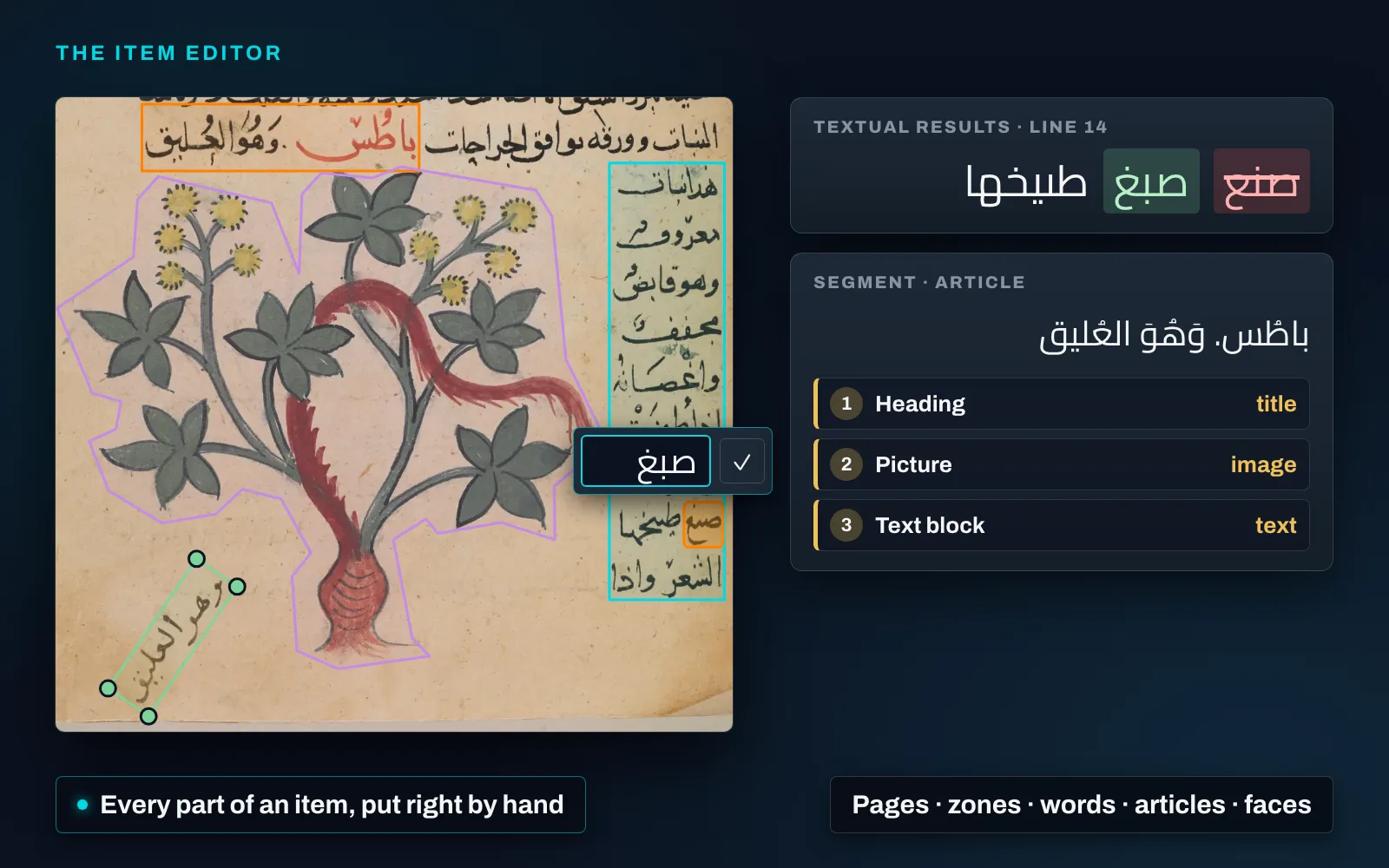
Processing does the heavy work in MediaINFO Digital Library: text recognition, layout analysis, face detection. The item editor is where an archive corrects and completes what it produced, on every image-based item it holds: newspaper and magazine pages, books, manuscripts and letters, documents, maps and photographs. It opens from the viewer, at the page you were looking at.
The pages. Delete, insert, rotate and reorder them, and re-run processing on only the pages you touched. The changes are staged and applied together, in a stated order; a rotated page turns its zones and words with it.
The zones. Draw them on the page and reshape them as a rectangle or point by point as a polygon, to follow a column, a round picture or a slanting line of handwriting. Retype them, describe and tag them in every content language, merge a block that processing cut in two, or delete them. Every zone keeps the versions it replaced, and any of them can be restored as a change to review.
Every recognised word, printed or handwritten. Its text and its box on the page: correct it, split it, join it, add a word or delete one. Changed words are tinted and the zone’s text can be compared, old against new, before it is saved. Saving the zone re-indexes the item, so the corrected word is what search finds and highlights, where it stands on the page.
Articles, chapters and advertisements. Which zones each one holds, the role each zone plays — title, caption, image, text — the order they are read in, and the metadata in every content language. A title-role zone put first gives the segment its title.
Faces. Assign one to a person, or to a new person made from it; change a wrong name; or record that a face is not this person, and recognition learns from the correction. People you name stay private to your installation.
Analysis on a region, when licensed. Text recognition, tagging, description, face detection and recognition, or layout analysis can be run again on any zone from inside the editor, and the result waits for review before anything is saved. Recordings have an editor of their own, for faces, subtitles and their timings.
The Platform page shows the editor at work on a manuscript page: Dioscorides’ Materia medica, copied and painted in Baghdad in 1334, with the British Library’s own line transcription in place (British Library, Or 3366, f. 126r, public domain). Discovery shows the same page line by line, down to the note a later reader left in its margin.