
Your own pages, built from the platform's own blocks
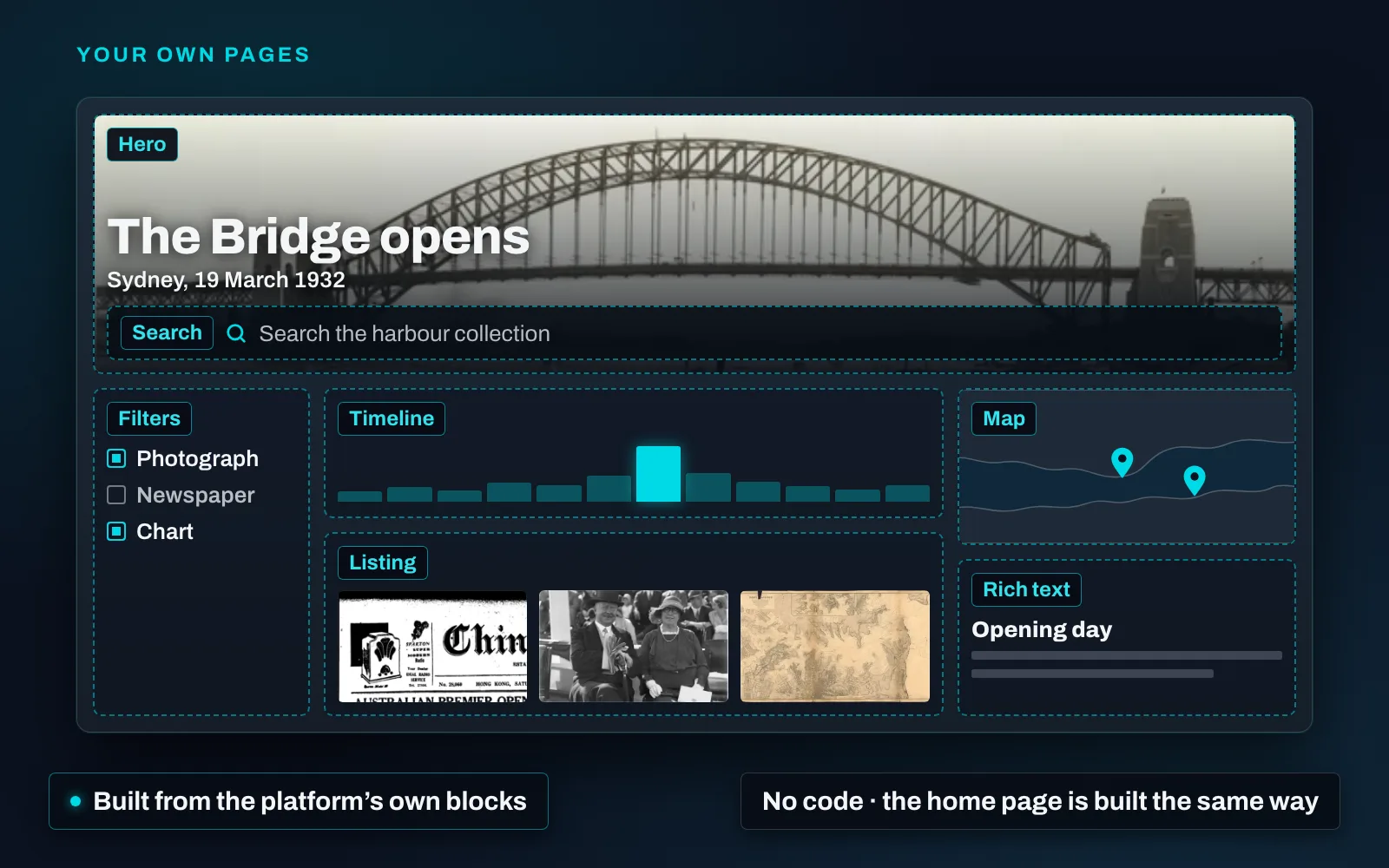
In MediaINFO Digital Library the home page is not a fixed screen. Every installation starts with one put together from blocks — a sidebar of filters beside a search box, a timeline and the results — and the page builder that assembled it is in your administrators’ hands. The same blocks build whatever pages an institution wants, and nobody writes code.
Stories told from the collection. A hero picture and title, text written by your curators, single items chosen from the archive — each shown as its picture with a line drawn from its own fields — images with captions, a scrolling row of related items that stays exactly as chosen, and a map with the places marked where the installation is online. An exhibition, an anniversary, a donor’s gift: each can have a page of its own, built from the material it is about.
Alternative search and browse pages. A page can run its own search over one collection or one content type — or several searches side by side — with the filters, the timeline or a calendar, the sort orders and the result layouts that suit that material: art, grid, list or table, each showing the fields you choose. A map room, a manuscript collection and a newspaper run can each open onto a browse page that fits it.
Entry points wherever readers need them. A search box on a story page that sends the reader to a browse page; a hand-picked selection that does not change; the reader’s own saved searches for that page, one click to reapply; and, where it is licensed, conversational search placed where the institution wants it.
Private until it is published. A page stays with its editors — only they can open it at its address — until it is published, and after that every save is live at once. Any published page can become the home page, a changed address forwards the old one, and a menu item puts a page in the navigation. Every page takes its look from the installation’s theme, and can add styling of its own.
The Platform page shows a page taken apart into its blocks.