
Search in your own words
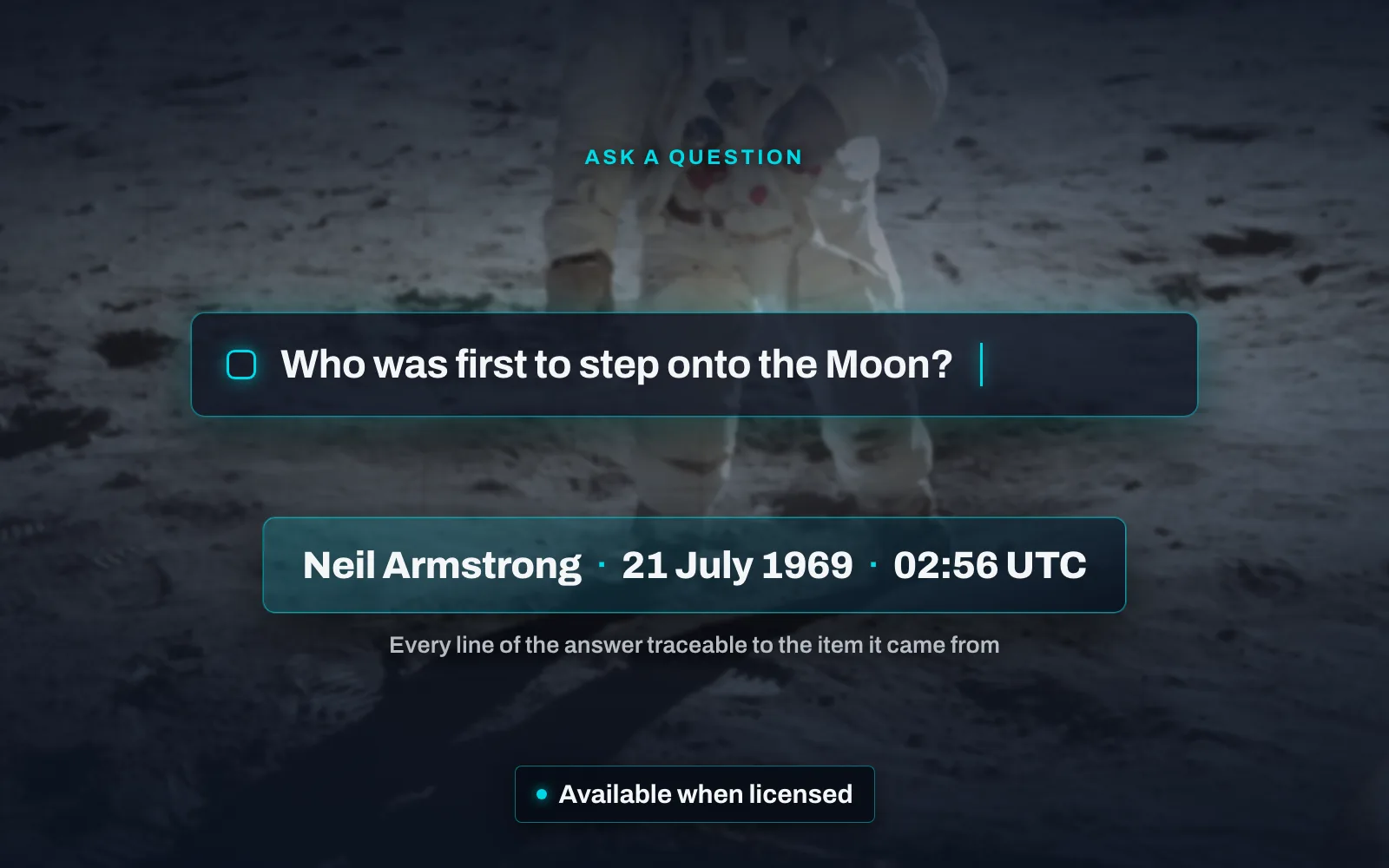
Describe what you are looking for, in your own words. A toggle beside the search box — or a keyboard shortcut, for people who are in the archive all day — turns it into a question box. What you type in plain language becomes a search, and the results grid updates exactly as it does for a keyword query: the same cards, the same layouts, the same counts. Nothing is summarised at you. What comes back is the items themselves, each one openable, each one the evidence for its own place in the result.
You can see what it decided. Every filter it applied appears as a chip in the active filters bar, including chips you could not have built by hand — excluding a value, or a choice between two of them. Remove any of them with its × like an ordinary filter, and the search is yours again.
It asks when a request is ambiguous. Rather than guessing, the panel puts a clarifying question and offers option chips to answer it with. Each turn refines the last, so a follow-up narrows what came before instead of starting over. Switch the toggle off and you are back in keyword search, with everything where you left it.
Conversational search is available when licensed. Where it is not — or where an installation’s usage allowance has been reached — the panel says so, and keyword search carries on as normal.
It is on the discovery page, beside the six kinds of evidence a search reaches.