
A deep-zoom viewer for every kind of material
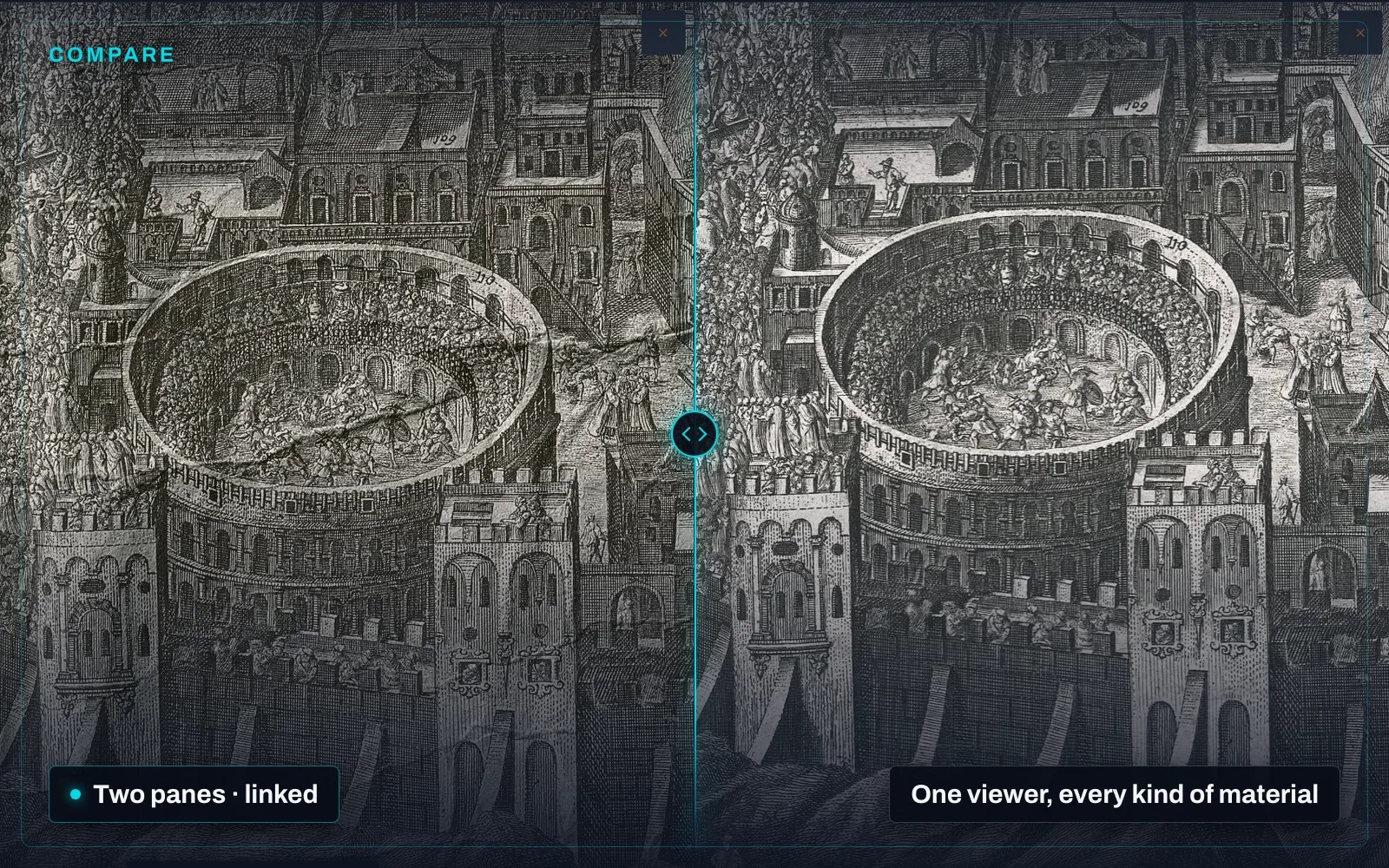
One viewer, and everything in the collection opens in it. A scanned page, a photograph, a video, an audio recording, a document, a 3D object — each opens on the same surface, with the same controls, the same sidebar and the same keyboard. There is no second application to learn for the part of the collection that is not paper.
Deep zoom, from the original. High-resolution images and scanned pages are served at the depth you are looking at them, without derivatives being generated ahead of time: nothing has to be pre-cut before an item can be opened, and an item added this morning zooms exactly like one added five years ago. All of an item’s pages sit on one continuous canvas, so moving between them is a pan, not a load.
Two objects, side by side. The Compare view puts two assets in two independent viewers, each with its own zoom and pan. Turn Sync on and they move together — the same detail in both panes at the same magnification, which is how a rescan is checked against the scan it replaces, or one edition against the edition before it. Panels can be swapped, and further assets added to the set.
Video plays with its segments listed beside it, audio plays over its waveform with its timed regions drawn on it, and documents carry their extracted text as selectable regions on the page.
The viewer, and the six things the platform does around it, are on the platform page.